The photos you’re in
are on someone else’s phone.
At weddings, birthdays, and family days, photos end up scattered across everyone’s phones. Bring them into one album with a link, without a group chat or asking people to send photos.



Scan with your phone
to open your app store

Photo by Minji
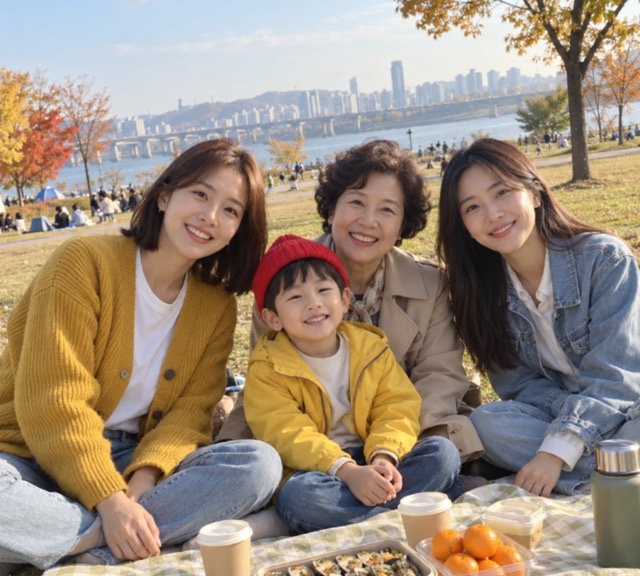
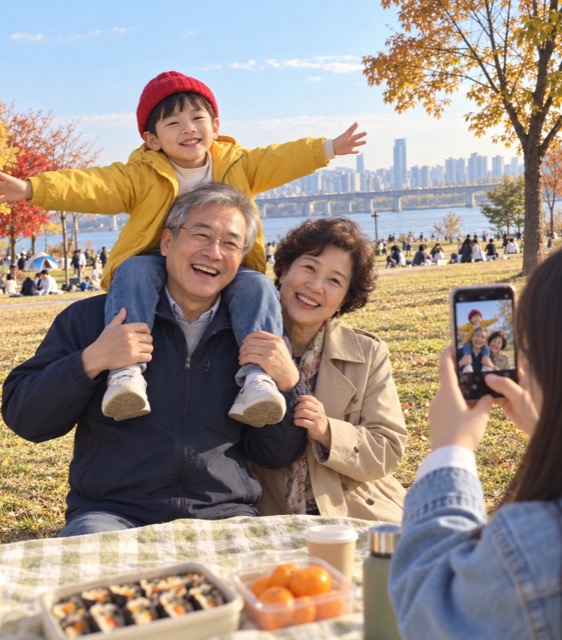
Photo by Dad
My photo
One link brings it all together
-
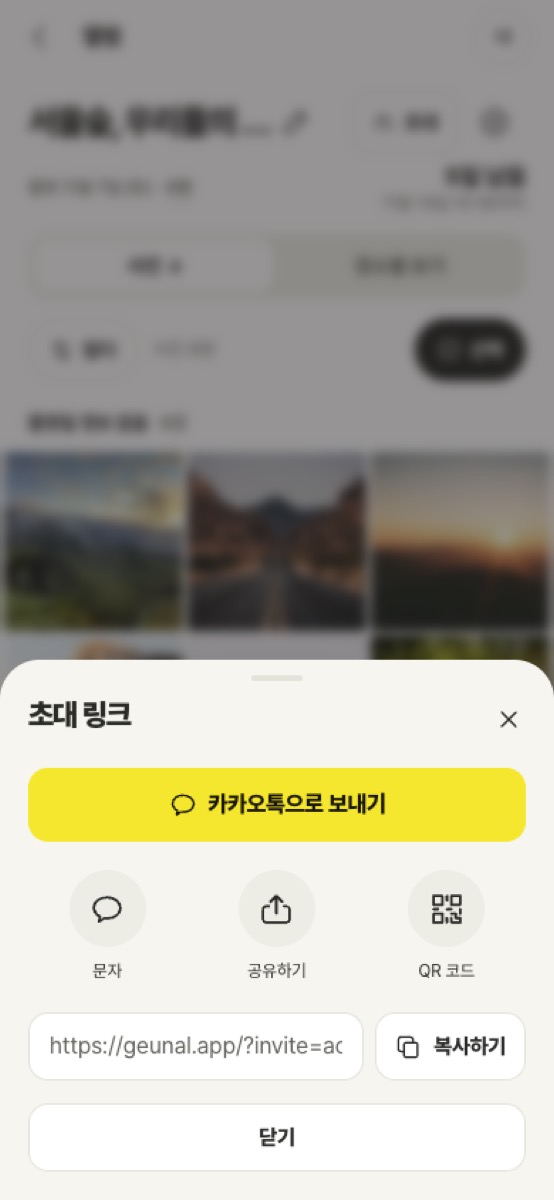
Share a link
Invite people by KakaoTalk, text, or QR code, without a group chat.
-
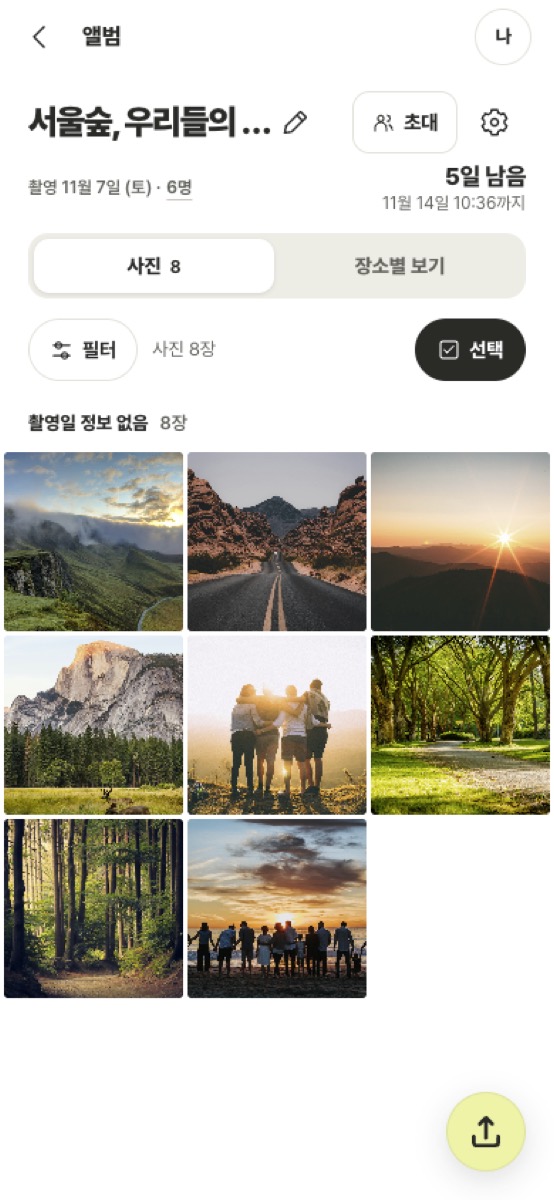
Everyone uploads
Everyone’s photos come together in one album. Duplicate photos are saved only once.
-
Download what you need
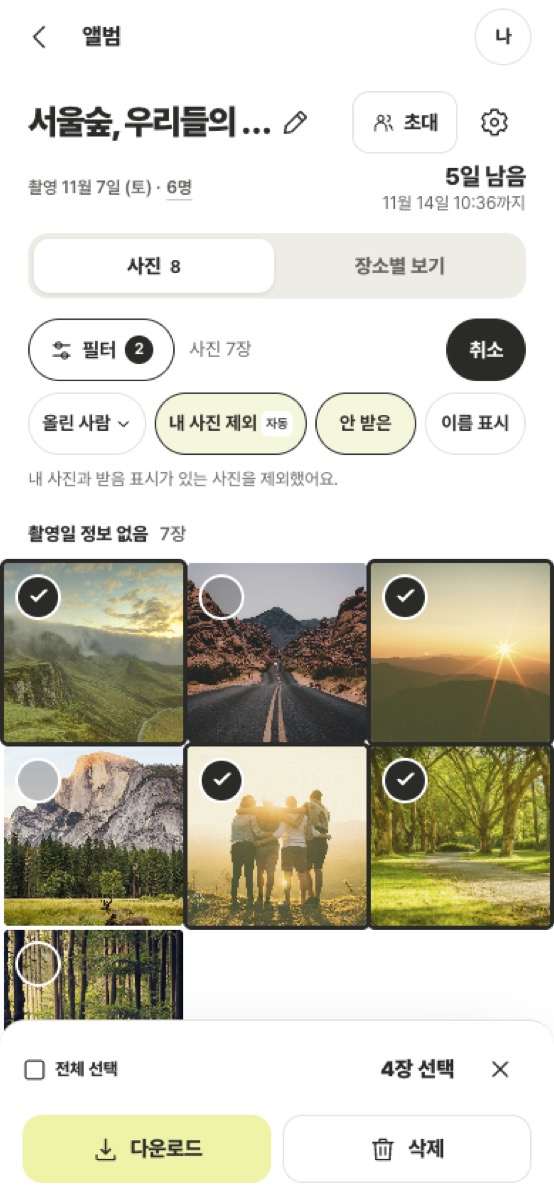
Choose photos to download, excluding your own and those you’ve already saved.
Made for days like these
- Weddings
- First birthdays
- School sports days
- Family trips
- Reunions
- Team retreats
An album for your group
For invited people
Only people with an invitation link can join the album.
No duplicate photos
Even if several people upload the same photo, only one copy is kept.
High quality, or original when you need it
By default, photos are resized to 2560px on the long side. Upload originals when you need large prints.
Guests don’t need the app
Open the link to upload and download photos on the web.
Pricing
Free
- 5GB across albums you create
- Stored for 30 days from the album’s first upload
- Ads in the app
Plus 50GB
₩5,900/month · ₩56,900/year
- Stored for as long as you subscribe
- No ads
Plus 200GB
₩12,900/month · ₩123,000/year
- Stored for as long as you subscribe
- No ads
Only the album owner needs a Plus subscription; invited people can join at no extra cost. Subscribe through the App Store on iPhone or Google Play on Android. Learn more
Frequently asked questions
Do invited people need the app?
No. Open the invitation link to upload and download photos on the web. The app also offers notifications for new photos and lets you save multiple photos to your phone at once.
How long are photos kept?
Free albums are kept for 30 days from the first upload. If the album owner subscribes to Plus, photos are kept for as long as the subscription lasts.
What happens to photo quality?
By default, photos are uploaded as high-quality JPGs at 2560px on the long side. Choose the original upload option to share the original file.
Who can see my photos?
Only album members can see them. You can delete photos you uploaded or leave the album at any time.
Take photos separately, bring them together.